
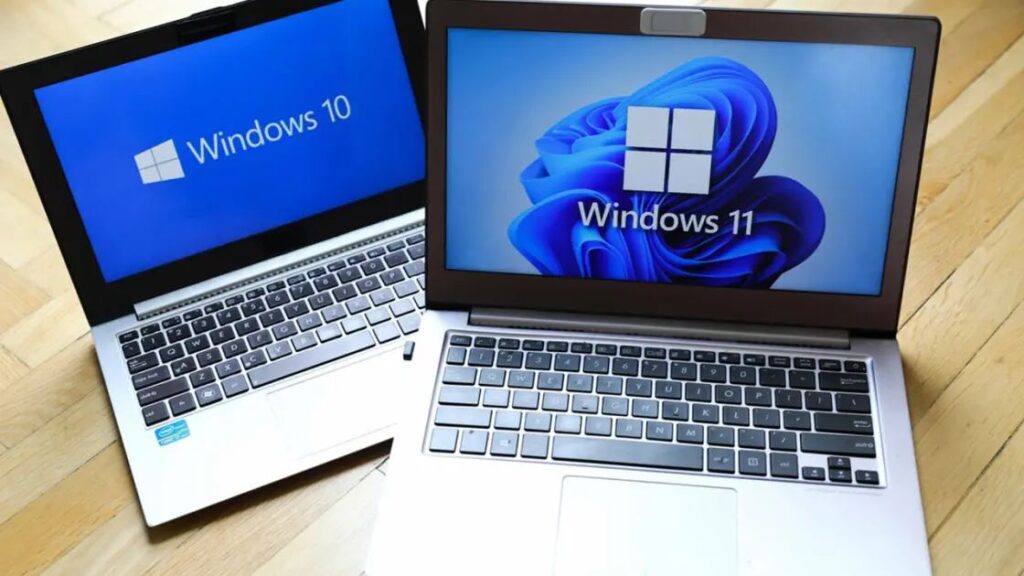

As we move further into 2026, many laptop users are facing a tough decision: Should they stay on the familiar Windows 10 or make the jump to Windows 11? With Microsoft slowly ending support for older versions, the choice is becoming more urgent.
In this article, we will compare both operating systems based on performance, battery life, and overall laptop health to help you decide which one is right for your machine.
1. Performance and Speed
Windows 11 was built with better memory management. It prioritizes the apps you are actually using, which can make a modern laptop feel snappier.
- Windows 10: Better for very old laptops (Pre-2018) because it has lower system requirements.
- Windows 11: Superior for newer CPUs (Intel 12th Gen+ or Ryzen 5000+) because it can utilize “Hybrid Architecture” (P-cores and E-cores) much more efficiently.
2. Battery Efficiency
Battery life is crucial for laptop users.
- The Verdict: Windows 11 generally offers better battery management thanks to improved background process handling. Features like “Dynamic Refresh Rate” help save power when you are just reading text and don’t need a high-speed screen.
3. Gaming and Graphics
If you use your laptop for gaming or heavy graphical work:
- Auto HDR & DirectStorage: These are Windows 11 exclusive features that make games look better and load faster from your SSD.
- If gaming is your priority, Windows 11 is the clear winner.
4. User Interface (UI)
- Windows 10: Classic, stable, and familiar. The taskbar is fixed at the bottom.
- Windows 11: Modern, centered taskbar (Mac-like), and beautiful “Mica” transparency effects. It feels like a premium upgrade.
5. The “End of Life” Factor (Very Important)
Microsoft has officially announced the end of support for Windows 10.
- The Risk: After the support ends, Windows 10 will stop receiving security updates. For a Cybersecurity conscious user, staying on an unsupported OS is a huge risk.
Final Verdict: Which should you choose?
- Choose Windows 11 if: Your laptop is relatively new (TPM 2.0 supported) and you want the latest security and features.
- Stay on Windows 10 if: You have an older laptop with 4GB or 8GB of RAM and you feel that Windows 11 makes your system lag.