
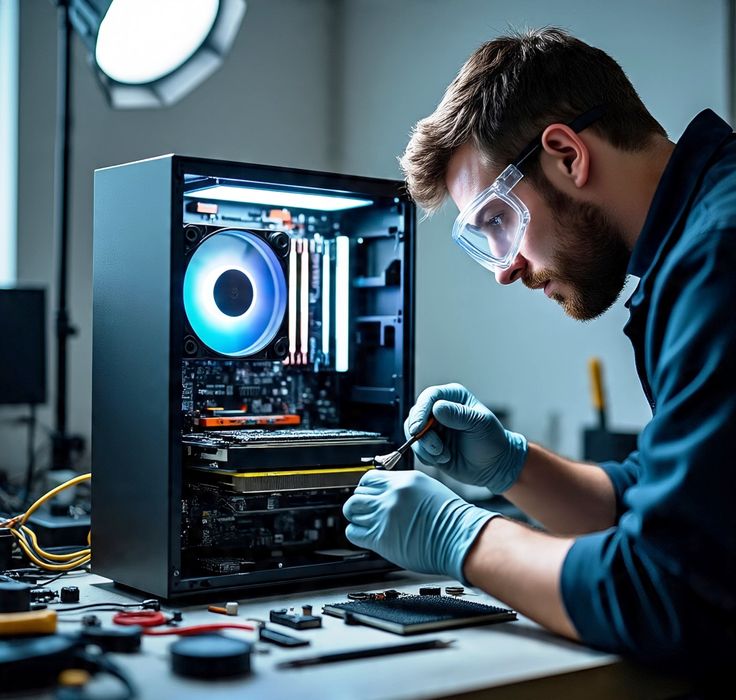

In the fast-paced world of 2026, where new AI-powered laptops are released every few months, the most sustainable and financially smart move you can make is to take care of the hardware you already own. A high-end laptop is a significant investment—whether you’re a CS graduate from Qurtaba University running complex simulations, a trader monitoring crypto markets, or a student managing daily assignments.
Most laptops start to “feel old” not because the processor is slow, but because of poor maintenance. Dust, thermal degradation, battery wear, and software bloat are the real enemies. In this 1500-word comprehensive guide, we will walk you through the professional-grade maintenance routines that can extend your laptop’s life to 7 years or more.
1. Physical Maintenance: The External Defense
The environment is the first thing that attacks your laptop. Dust and moisture are silent killers.
A. Deep Cleaning the Chassis and Screen
In 2026, many laptops use recycled magnesium or bio-plastics. These materials are durable but can attract oils.
- The Screen: Never use window cleaners or alcohol-based sprays on modern laptop screens (especially OLED or Tandem OLED). Use a dry microfiber cloth or a specialized electronic screen cleaner.
- The Keyboard: It is estimated that a laptop keyboard is 20,000x dirtier than a toilet seat. Use a can of compressed air once a week to blow out crumbs and dust from under the keys. This prevents “sticky keys” and mechanical failure.
B. Port Protection
USB-C and Thunderbolt ports are the lifelines of your device. In 2026, since we use these for charging and data, a loose port can mean a dead laptop.
- Pro Tip: Buy silicone anti-dust plugs for ports you don’t use frequently. Avoid “yanking” cables out at an angle, as this weakens the solder joints on the motherboard.
2. Thermal Management: Keeping the “Heart” Cool
Heat is the #1 reason for hardware failure. When a laptop runs hot, the silicon in the CPU and GPU degrades, and the battery chemistry breaks down.
A. The 6-Month Dust Cycle
Even in a clean room, laptop fans act like vacuum cleaners.
- Maintenance Task: Every 6 months, open the back panel (if your warranty allows) and use compressed air to clean the fans. If you see “clogging” in the copper heat pipes, the air cannot escape, causing your laptop to throttle.
B. Thermal Paste Replacement
Traditional thermal paste dries out after 2-3 years, becoming a crusty insulator instead of a heat conductor.
- 2026 Standard: If your laptop is 3 years old, consider reapplying a high-quality thermal paste like Arctic MX-6 or Liquid Metal (only for experts). This can reduce temperatures by up to 15°C, instantly boosting speed.
3. Battery Longevity: The 80/20 Rule in Practice
In 2026, most laptops have “non-removable” batteries. Replacing them is expensive and difficult.
A. Smart Charging
Avoid keeping your laptop at 100% while plugged in all day.
- The Fix: Use built-in software (like Lenovo Vantage, MyASUS, or Dell Optimizer) to limit the charge to 80%. This reduces the “voltage stress” on the lithium-ion cells.
- Deep Discharge: Never let your laptop reach 0%. Frequent “deep discharges” kill battery health faster than anything else. Try to plug in when you hit 20%.
B. Calibration
Once every 3 months, perform a battery calibration: charge to 100%, use it until it hits 5%, then charge it back to 100% without interruption. This helps the Windows battery meter stay accurate.
4. Storage and RAM Optimization: The Digital Cleanup
Software clutter is what makes a laptop “feel” slow.
A. SSD Health Monitoring
Since you likely have an SSD (as we discussed in our previous guide), you need to monitor its “TBW” (Total Bytes Written).
- The Fix: Use a tool like CrystalDiskInfo to check your SSD’s health. If it drops below 10%, back up your data immediately.
- Trim Command: Ensure Windows “Trim” is active. It helps the SSD manage deleted data blocks efficiently, maintaining high write speeds.
B. The “Clean Install” Strategy
Over 2-3 years, Windows accumulates “registry junk” and broken drivers.
- Pro Tip: Instead of “Resetting” your PC, do a Clean Install from a USB drive once every two years. This removes hidden bloatware and background processes that slow down your system.
5. Cybersecurity as Maintenance
A laptop infected with malware or “crypto-miners” will run hot and slow, shortening its lifespan.
- Firmware Updates: Always update your BIOS/UEFI. These updates often contain “Thermal Profiles” that improve how your fans react to heat.
- Browser Management: As a CS graduate, you know that 90% of threats come from the browser. Use a “sandboxed” browser for testing new scripts or visiting unknown tech sites to keep your main OS clean.
6. Upgradability: The Secret to 7 Years
If you bought a laptop in 2024 or 2025, it might be time for a small hardware boost in 2026.
- RAM: If you are still on 16GB and your laptop has a spare slot, moving to 32GB will make your laptop future-proof for the next 3 years of AI software.
- Wi-Fi Card: If your Wi-Fi is slow, you can often swap the internal M.2 Wi-Fi card for a Wi-Fi 7 card for just $20-$30. It’s a cheap way to get modern speeds on an old chassis.
7. Conclusion: The Maintenance Mindset
A laptop is like a car. If you never change the oil or clean the filters, it will break down regardless of how expensive it was. By spending just 30 minutes a month on these routines, you can ensure that your device remains a reliable partner for your studies, your career in AI/Cybersecurity, and your trading ventures.
In 2026, the best laptop isn’t always the newest one—it’s the one that has been cared for the best.