
If your laptop takes minutes to boot up or hangs every time you open a few Chrome tabs, the problem might not be your processor. In most cases, the culprit is an old-fashioned Hard Disk Drive (HDD).
In 2026, the gap between SSDs (Solid State Drives) and HDDs has become massive. If you want to breathe new life into an old laptop, upgrading to an SSD is the single most effective move you can make. Let’s break down why.
1. Speed: The Night and Day Difference
The primary difference is how they store and access data.
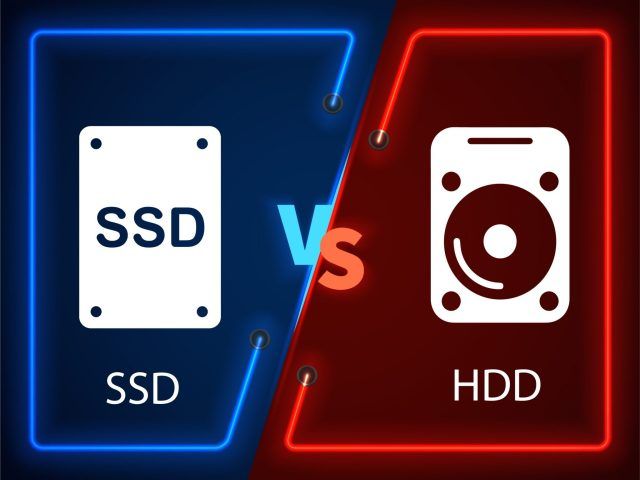
- HDD: Uses a spinning platter and a mechanical arm (like a record player). This physical movement takes time.
- SSD: Uses flash memory (like a giant USB drive) with no moving parts.
- The Result: An SSD can be 10x to 20x faster than an HDD. Your laptop will boot in 10 seconds instead of 2 minutes.
2. Durability and Portability
Since laptops are mobile devices, they get moved, bumped, and sometimes dropped.
- HDD: The mechanical arm can easily break or skip if the laptop is moved while working.
- SSD: Since there are no moving parts, SSDs are much more resistant to physical shocks and vibration.
3. Battery Life and Noise
- Power Consumption: HDDs need more power to spin the physical disk. SSDs use significantly less energy, which can add 30 to 60 minutes of extra battery life to your laptop.
- Silence: HDDs make clicking or whirring sounds. SSDs are completely silent.
4. Price vs. Value in 2026
A few years ago, SSDs were very expensive. Today, the price of a 512GB or 1TB SSD has dropped significantly, making it affordable for students and professionals alike. The “Price per Performance” ratio is now clearly in favor of SSDs.
5. Which One Should You Buy?
- SATA SSD: Best for older laptops that have a 2.5-inch drive slot.
- NVMe M.2 SSD: Best for modern laptops. These are even faster than SATA SSDs and look like a small stick of RAM.