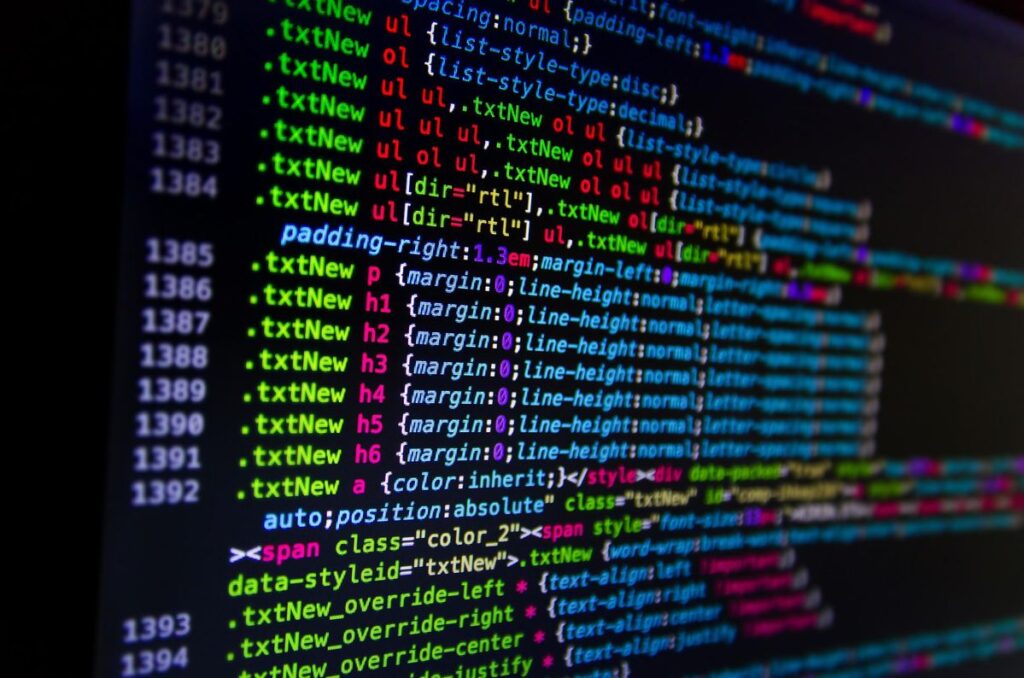

As a programmer, you spend hours staring at lines of code. If you are still using the default fonts, you might be missing out on a much better coding experience. A good programming font doesn’t just look pretty; it helps you distinguish between similar characters (like 0 vs O or l vs 1) and reduces eye fatigue during marathon sessions.
In 2026, these are the top 8 monospaced fonts every developer should try on their laptop.
1. JetBrains Mono (The Modern Standard)
Developed specifically for developers by the team behind IntelliJ and PyCharm. It has a high x-height and specific character shapes that make code highly readable even at small sizes.
- Best feature: Free and open-source.
2. Fira Code (The Ligature King)
Fira Code is famous for its Programming Ligatures. It combines common multi-character symbols like !=, ==, or => into a single, easy-to-read character.
- Best feature: Beautiful ligatures that simplify code logic visually.
3. Source Code Pro (Adobe’s Finest)
Adobe’s contribution to the coding world. It is a very balanced font with a minimalist aesthetic that works perfectly in both light and dark themes.
- Best feature: Extremely clear distinction between numbers and letters.
4. Consolas (The Familiar Friend)
If you have been using Windows for years, you probably know Consolas. It’s pre-installed and highly orptimized for ClearType rendering, making it very sharp on laptop screens.
- Best feature: No installation required on Windows.
5. MonoLisa (Designed for Professionals)
Unlike most fonts, MonoLisa was designed by professional typographers specifically to reduce cognitive load. It’s a premium font (paid), but it’s a favorite among senior devs.
- Best feature: Subtle design tweaks that make scanning code faster.
6. Cascadia Code (Microsoft’s Latest)
This is the default font for the new Windows Terminal. It supports ligatures and has a very modern, “gaming” vibe to it.
- Best feature: Great for terminal-heavy workflows.
7. Hack (Room to Breathe)
Hack is designed with large displays and high resolutions in mind. It has more space between characters, which helps in reducing eye strain if you work on a 4K monitor or a large laptop.
- Best feature: Very easy to read for long periods.
8. Ubuntu Mono (Clean and Round)
Even if you are on Windows (as we discussed in our “Dual Boot” guide), you can use Ubuntu’s signature font. It has a unique, rounded look that feels very friendly.
- Best feature: Distinctive style that stands out from typical blocky fonts.
9.How to Change Your Font in VS Code:
- Open Settings (
Ctrl + ,). - Search for “Font Family”.
- Type the name of the font (e.g.,
'JetBrains Mono') as the first item in the list.